
Transform Text into Natural-Sounding Speech with AI
Independent guide: build a repeatable workflow for voiceovers + captions with ElevenLabs (script → TTS → cleanup → subtitles → QA).
Not the official ElevenLabs website. Some links may be affiliate links.
A repeatable workflow for voiceovers and captions
This page focuses on the practical steps that matter most: write for speech, generate TTS, clean up the audio, export the right format, then create subtitles (SRT/VTT) and run a quick QA pass before publishing.
Key features for a solid voiceover workflow
Focus on what helps you ship clean audio: voice quality, control, safety and export options.

Voice Cloning
Create a voice model from audio samples when you have explicit permission (consent + rights). Always add a human review step.
Multilingual Support
Generate speech in multiple languages (coverage changes over time). Test your target language and accent on a short sample first.

Voice Library
Access a growing collection of diverse, pre-made voices for instant use in your projects.
Audio Editing Tools
Fine-tune pronunciation, adjust pacing, and add emphasis for perfect results every time.
Voice Changing
Modify existing recordings with different voice characteristics while preserving the original content.

API Access
Integrate TTS into your apps using the official developer API (check documentation for the latest endpoints and limits).
See ElevenLabs in action
Watch a demo, then use the workflow checklist on your own script.

Professional Voiceovers in Minutes
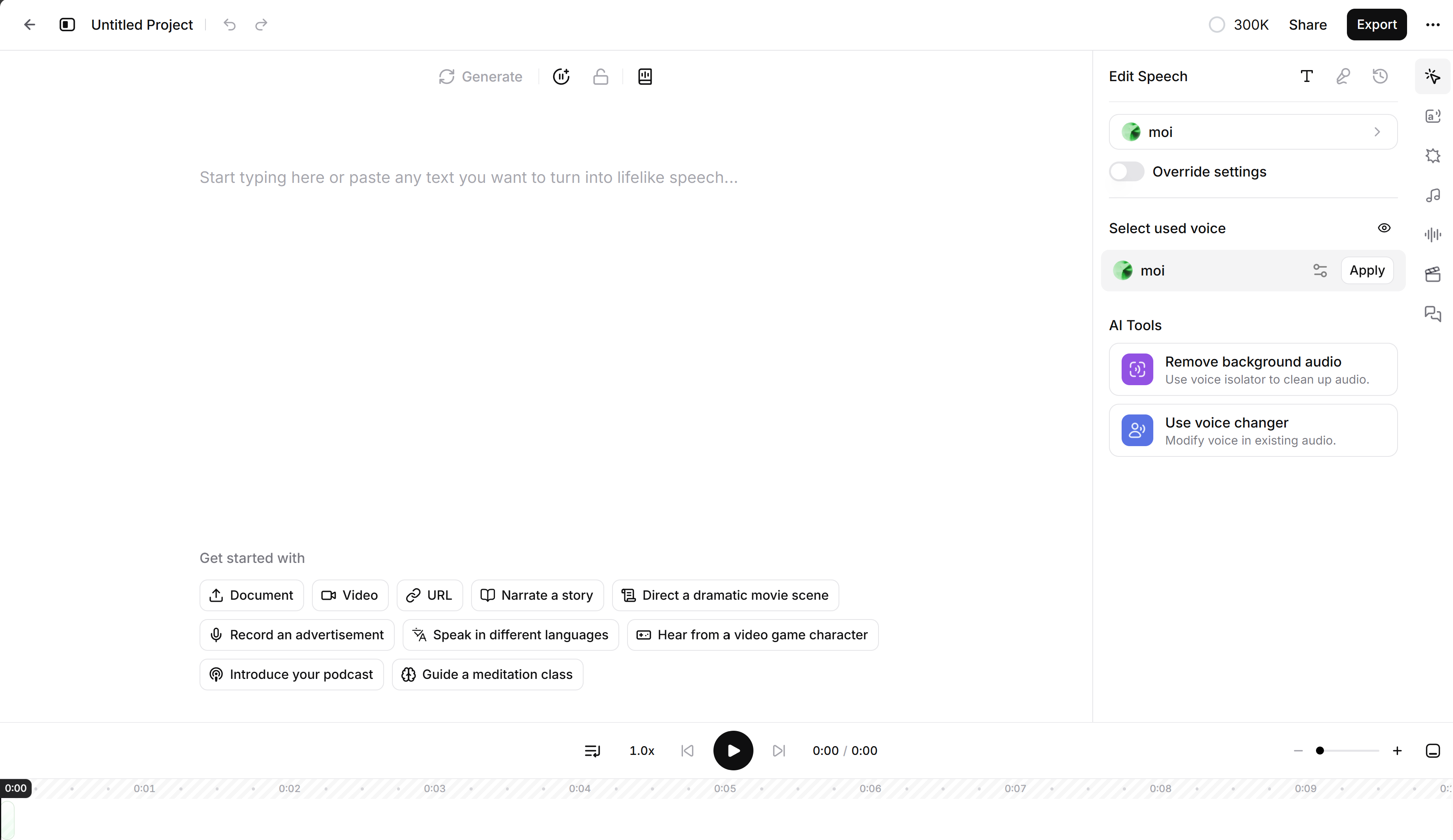
The interface makes it easy to generate voiceovers quickly: paste your script, pick a voice, iterate on pronunciation, then export clean audio for editing.
- No recording equipment needed
- Adjust tone and pacing with sliders
- Export in multiple audio formats
- Collaborate with team members
Transform Your Content Creation Workflow
Voice AI is used across industries — pick a workflow that fits your content and QA requirements.
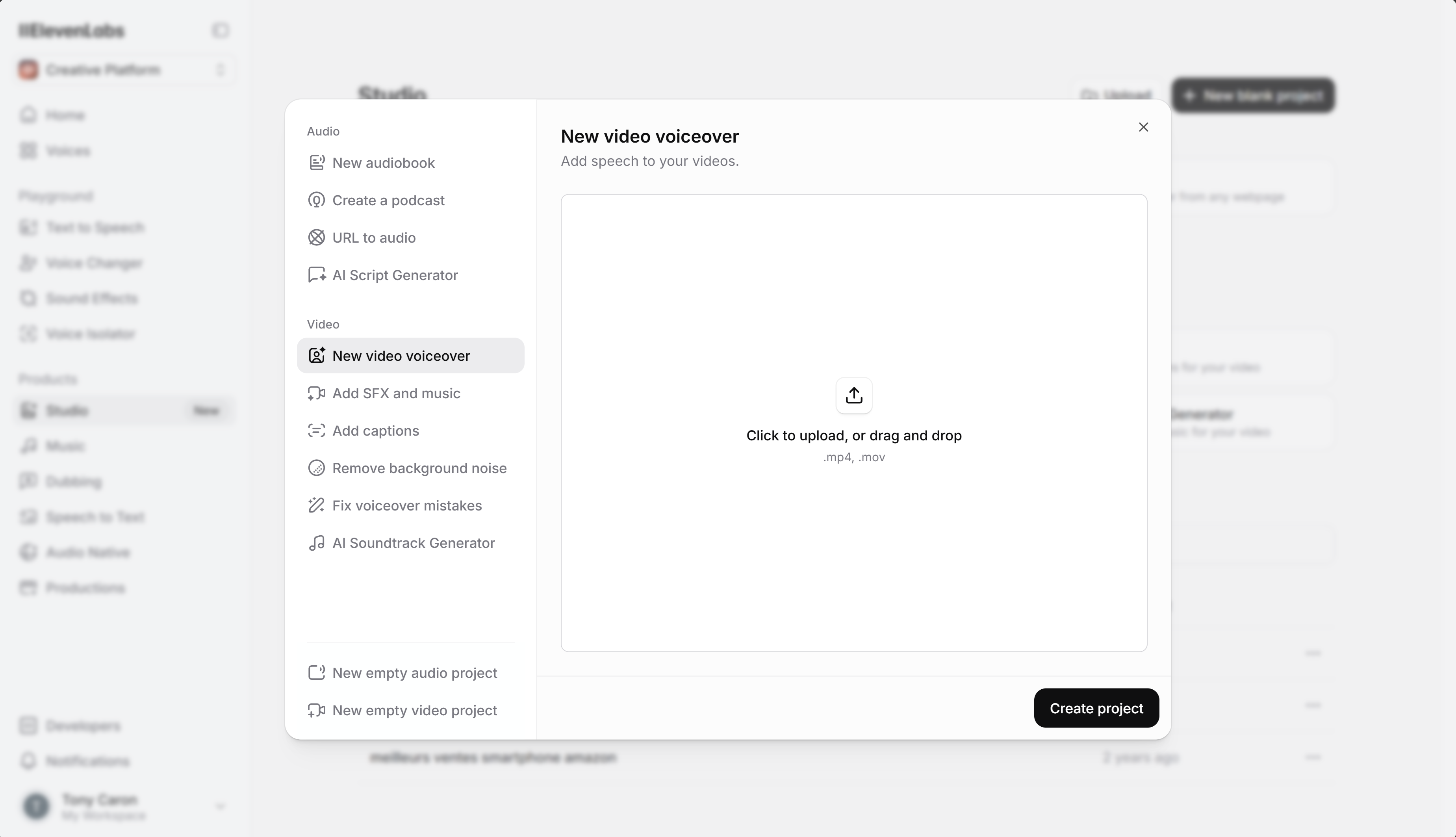
Video Content Creation
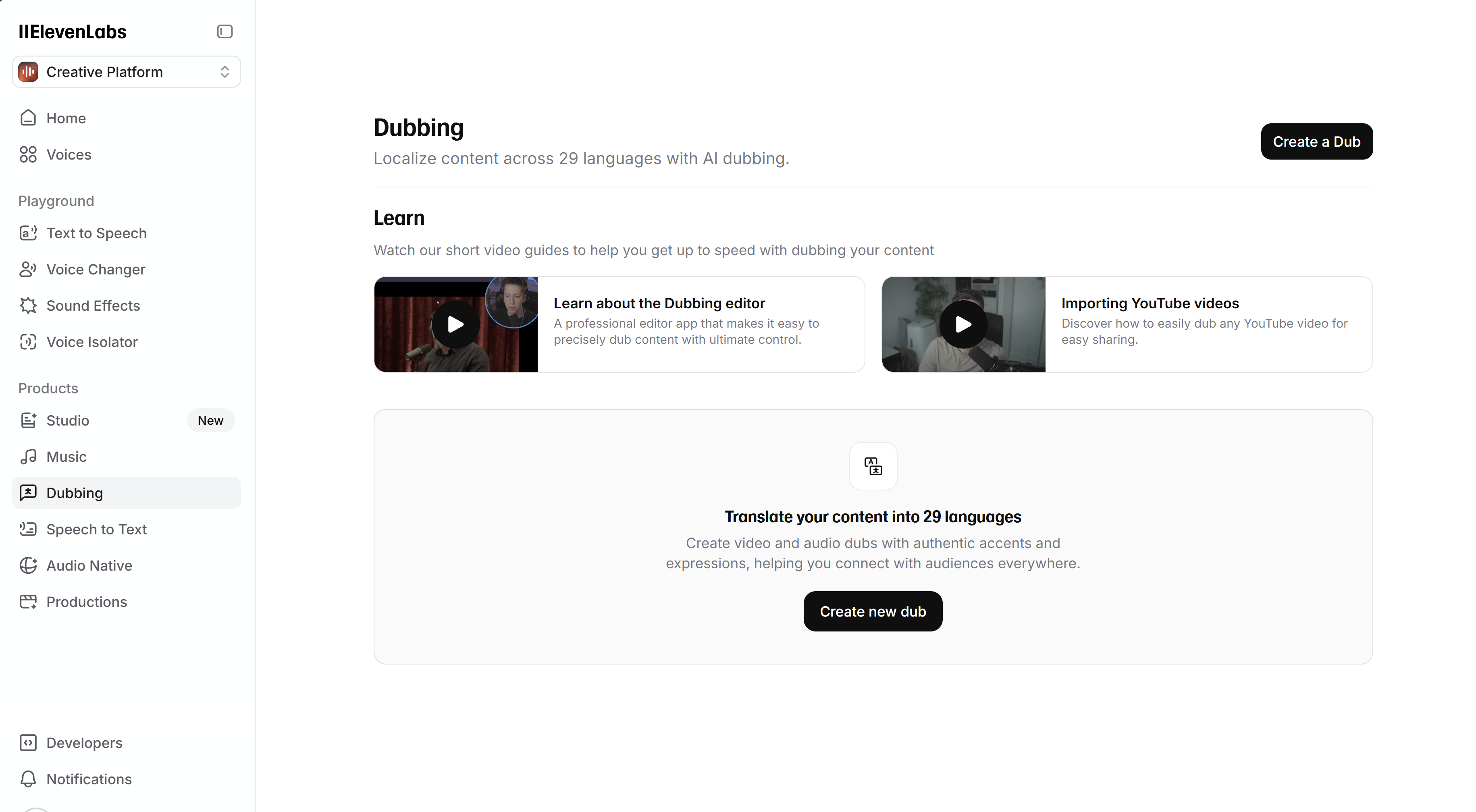
YouTubers, filmmakers, and marketers use ElevenLabs to create engaging voiceovers for tutorials, documentaries, and promotional videos.
Audiobook Production
For long-form narration, consistency matters: keep voices stable across chapters, normalize levels, and do a human QC pass before release.
E-Learning Modules
For training content, prioritize clarity: short sentences, clear pacing, and a predictable pronunciation style across lessons.
How to choose a plan (pricing changes)
Plans, quotas and licensing terms change over time. Use this checklist, then confirm details on the official pricing page.
Free
- Good for testing voices and your workflow
- Confirm current limits (usage/quota)
- Run a short sample end-to-end (export + edit)
- Validate pronunciation and pacing
Creator
- Higher usage for regular publishing
- Compare voice options and controls
- Check commercial usage terms and credits
- Verify API access/limits if you automate
Professional
- Higher usage for long-form or teams
- Check collaboration, support and governance
- Confirm licensing terms for your distribution
- Plan QA and security for voice cloning
Always verify current plans and limits on the official page. Compare expected minutes/month, licensing, voice cloning access, API limits and team needs. View official pricing
Frequently Asked Questions
Quick answers about ElevenLabs, voiceovers, captions and responsible voice cloning.
ElevenLabs is a text-to-speech (TTS) and voice generation platform used to create voiceovers, narration and dubbed audio. This page is an independent guide focused on a practical workflow (script → TTS → cleanup → subtitles → QA).
Voice cloning quality depends on the source audio (noise, mic, consistency) and on how the model is used. Only clone voices when you have explicit consent (and the necessary rights), and keep a human review step to avoid mistakes or misuse.
Language and accent coverage changes over time. Always test your target language on a short excerpt first, and check the official documentation for the up-to-date list.
There is usually a free tier or trial, but limits change. Check the official pricing page, then run a small end-to-end test: generate audio, export it, edit it into a video, and validate subtitles.
Commercial usage depends on the plan and licensing terms. Review the official terms before publishing ads, audiobooks or client work, and ensure you have rights/consent for any cloned voice.
Compare tools with the same script and evaluation checklist: voice naturalness, control (pronunciation, pacing), latency, export formats, licensing, API ergonomics, language coverage and safety controls. Don’t rely on marketing claims — test what matters for your workflow.
Need official details? Visit the ElevenLabs help center
Ready to test the workflow?
Start with a short script, generate a sample, then validate audio + subtitles before you scale. Note: the button may be an affiliate link.
Try ElevenLabs