
AI Voiceover & Captions Workflow 2026 — ElevenLabs guide
Independent, step-by-step workflow for voiceovers + subtitles: script → TTS (ElevenLabs) → cleanup → SRT/VTT → QA.
- Write for speech first: short sentences, clean punctuation, consistent naming.
- Generate TTS, then fix issues line-by-line (don’t re-render whole sections).
- Export both audio + subtitles (SRT/VTT), then run a quick QA pass before publishing.
Not the official ElevenLabs website. Some links may be affiliate links.
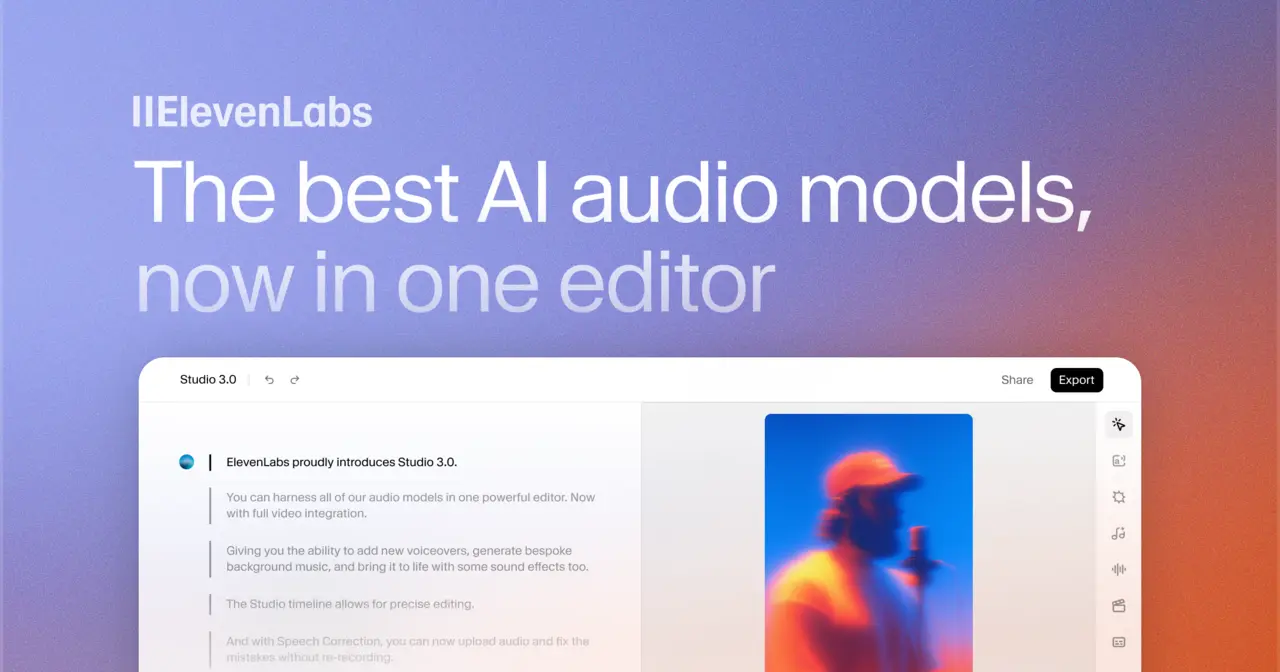
Workflow overview
If you want voiceovers that edit cleanly and captions that stay aligned, treat this as a pipeline — not a single “Generate” button.
Want to test it quickly? Try ElevenLabs Studio on a 30–60s sample first.
The repeatable workflow:
- Write a script for speech (short sentences, predictable punctuation).
- Generate TTS and iterate on problem lines only.
- Clean the audio (loudness, breaths, de‑ess) so it survives editing.
- Export subtitles (SRT/VTT) and keep a “source SRT” before any retiming.
- QA (pronunciation, timing, compliance) before you publish at scale.
If you’re new, start with a 30–60 second sample and run the full workflow once. It will save hours later.
Step 1: write for speech
The biggest quality jump usually comes from the script. A “readable” script is not always a “speakable” script.
Rules that keep TTS natural (and keep captions stable):
- Keep sentences short (aim for 10–18 words).
- Use punctuation to control rhythm (commas for small breaks, periods for hard stops).
- Write numbers the way you want them spoken (e.g., “$19” vs “nineteen dollars”).
- Standardize names and product terms (one spelling, one capitalization).
- Avoid long parenthesis and stacked clauses (TTS tends to rush them).
Mini template (copy/paste):
[Goal in 1 sentence]

Hook (1–2 short sentences).
Point 1 (1 sentence).
Point 2 (1 sentence).
Call to action (1 short sentence).
Step 2: generate TTS
Treat the first render as a diagnostic pass:
- Render a short excerpt (30–60s).
- Mark the 3–10 lines that sound off (names, acronyms, pacing, emphasis).
- Fix only those lines and re-render only what changed.
- When the voice is stable, render the full script.
Tips that reduce rework:
- Keep a tiny “pronunciation list” for repeated terms (product names, people, places).
- If a line consistently fails, rewrite the sentence instead of fighting settings.
- Don’t chase perfection on the first pass; aim for “clean enough to edit”.
Step 3: clean the audio
Even great TTS can be hard to edit if levels and breaths are inconsistent. A light cleanup makes your exports behave in any editor.
A practical baseline for voiceovers:
- Normalize loudness (a common target is around -16 LUFS for spoken voice).
- Keep peaks controlled (avoid clipping; leave a little headroom).
- Light de‑ess if “s” and “sh” are sharp.
- Remove obvious clicks and long inhales (but don’t over-gate — it sounds robotic).
If you plan to add music/SFX later, keep a clean voice-only file (and stems when available) until the final mix is locked.
Step 4: export subtitles (SRT/VTT)
Subtitles stay stable when you keep a “source version” and make edits in the right order.
Recommended export habit:
- Export audio and subtitles together (WAV/MP3 + SRT/VTT).
- Save the first export as your source SRT (the reference timing).
- If you retime in an editor, keep a copy of the source so you can back-sync later.
If you’re starting from an existing recording (podcast/webinar) and need a reliable transcript first, see our Scribe v2 workflow.
Caption hygiene checklist:
- Keep lines short (readable on mobile).
- Break on meaning, not on word count.
- Avoid very long single-line captions — they drift when you cut video.
Step 5: QA checklist
Before publishing, do one fast pass that catches the issues viewers notice most:
- Pronunciation: names, acronyms, brand terms
- Timing: captions don’t lag behind speech
- Loudness: consistent across the full video
- Compliance: you have rights/consent for any cloned voice
- Export sanity: correct format (SRT/VTT), correct sample rate, correct filenames
How to choose a plan (pricing changes)
Plans, quotas and licensing terms change over time. Use this checklist, then confirm details on the official pricing page:
If you want to compare quotas while you follow this checklist, open ElevenLabs in a new tab.
- Expected minutes/month for your publishing cadence
- Commercial usage terms (ads, client work, audiobooks, training)
- Voice cloning access + consent requirements
- Collaboration features (if a team touches the project)
- API access and limits (if you automate)
Use cases that benefit from this workflow
- Video content creation: tutorials, explainers, product demos (fast iteration matters).
- Audiobooks / long-form narration: consistency and loudness are the difference between “ok” and “professional”.
- E-learning modules: clarity, predictable pacing, and stable exports reduce support tickets.
Troubleshooting (fast fixes)
- Pacing feels rushed: shorten sentences; add punctuation; split long lines.
- Names are misread: standardize spelling; rewrite the sentence; keep a short pronunciation list.
- Audio feels harsh: de‑ess lightly; reduce sibilant words; lower peaks a bit.
- Captions drift after edits: keep the source SRT; re-export after major timeline changes.
FAQ
What is ElevenLabs Studio?
ElevenLabs is a text-to-speech (TTS) and voice generation platform used to create voiceovers, narration and dubbed audio. This site is an independent guide focused on a practical workflow (script → TTS → cleanup → subtitles → QA).
How accurate is voice cloning in 2026?
Quality depends on your source audio (noise, microphone, consistency) and how the model is used. Only clone voices with explicit consent (and the necessary rights), and keep a human review step to reduce mistakes or misuse.
What languages are supported?
Language and accent coverage changes over time. Always test your target language on a short excerpt first, and check the official documentation for the up‑to‑date list.
Is there a free plan?
There is usually a free tier or trial, but limits change. Check the official pricing page, then run a small end‑to‑end test: generate audio, export it, edit it into a video, and validate subtitles.
Can I use ElevenLabs commercially?
Commercial usage depends on the plan and licensing terms. Review the official terms before publishing ads, audiobooks or client work, and ensure you have rights/consent for any cloned voice.
How do I compare ElevenLabs to other TTS tools?
Compare tools with the same script and checklist: naturalness, control (pronunciation, pacing), latency, export formats, licensing, API, language coverage and safety controls. Test what matters for your workflow.
Next steps
- Scribe v2 transcription (2026): keyterms, entities, multi-language
- Best AI caption tools (2026): evaluation grid
- Using ElevenLabs for captions (2026): where it fits
- YouTube Shorts captions workflow (2026)
- Transcription vs captioning (2026): different jobs, different QA
- Alternatives to ElevenLabs Scribe (2026)
- Voice → avatar workflow (Studio 3.0 + HeyGen/CapCut)
- Browse the full captions / transcription hub